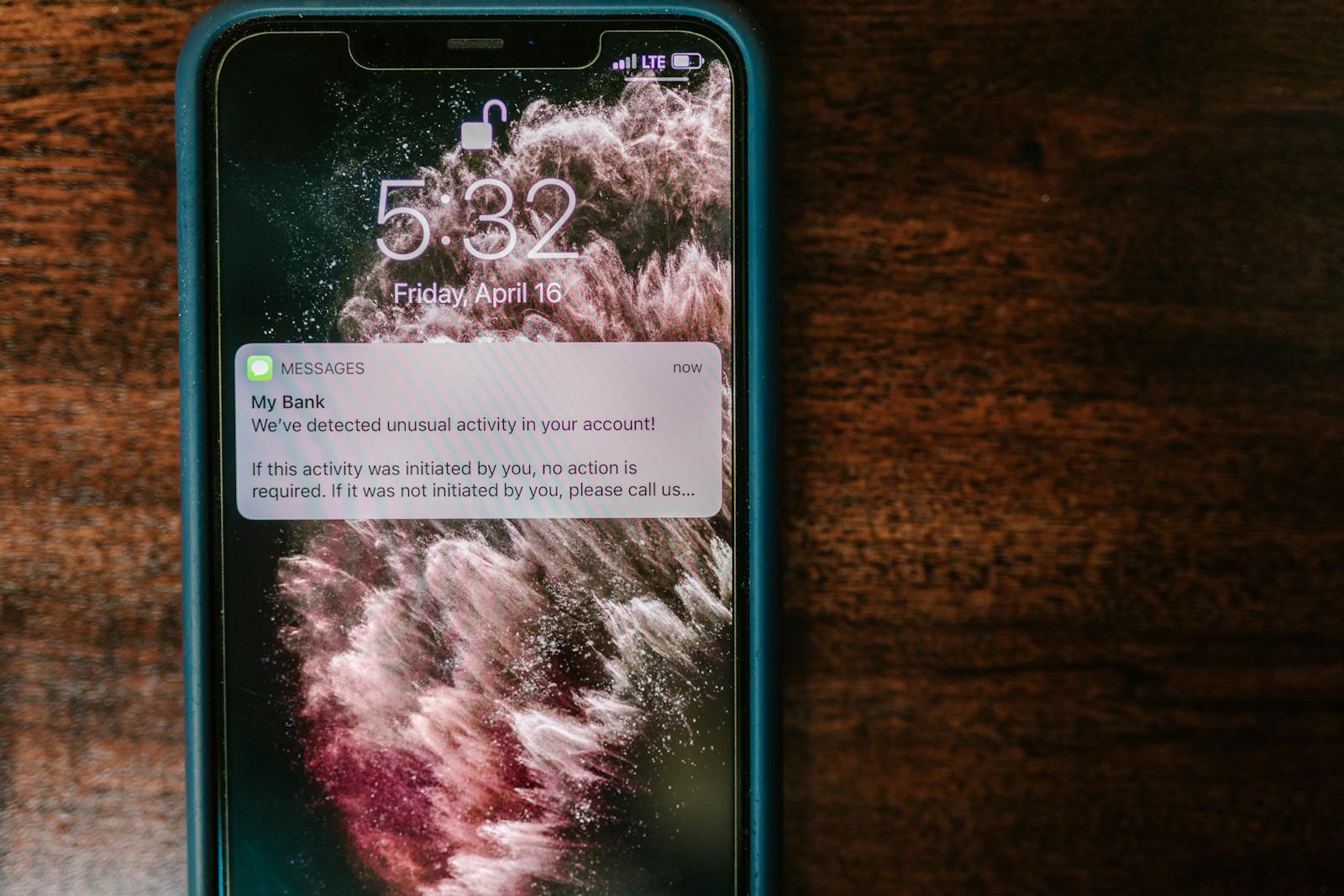
Multi-factor authentication is the single most effective control most organizations can apply to keep accounts from being taken over. We say so often, and we mean it. But not every form of MFA is equivalent — and the most common one, the six-digit code delivered by text message, is now the easiest to defeat.
If accounts that matter to your operation — banking, email, payroll, donation platforms — still rely on a text-message code, this post is for you.
TL;DR
SMS-based MFA is better than nothing, but it is no longer sufficient on accounts that matter. Move banking, email, payroll, and admin accounts to a passkey or authenticator app. Reserve SMS for low-risk logins where the platform offers nothing else.
Why SMS used to be fine — and isn't anymore
For years, a code by text was a meaningful upgrade over a password alone. Most attackers were guessing or replaying leaked credentials, and a one-time code stopped them.
Three things shifted the landscape. SIM-swap attacks became cheap and routine, with attackers convincing or paying carrier staff to move a target's number to a new SIM. Real-time phishing kits became standard, capable of relaying a text-message code to the legitimate site within seconds of the user typing it. And number-porting and account-recovery flows continue to leak codes through carrier customer service and platform recovery options.
What actually works in 2026, in order
If you only change one thing this quarter, change this. Choose the strongest option each platform supports.
Passkeys are the strongest practical option. They are built into iPhones, Androids, Macs, Windows, and most browsers, tied to the legitimate site so phishing pages cannot collect them, and require nothing for an attacker to type. Microsoft, Google, Apple, most banks, and a growing list of business platforms support them.
Authenticator apps — Microsoft Authenticator, Google Authenticator, Authy, 1Password — keep the code on the device and out of the cell network. Phishing kits can still trick a user into typing one in, but SIM swaps stop working entirely.
Hardware security keys (YubiKey is the common example) are the most phishing-resistant option available and are worth the cost for the highest-risk accounts: IT admin, domain registrar, finance. SMS belongs at the bottom of the list, used only when no other factor is offered and only on low-risk accounts.
The accounts to fix first
You do not need to migrate everything at once. Start where the damage from a takeover would be greatest.
Business email is the master key for password resets across nearly every other account, so it goes first. Then banking, payroll, and accounting (QuickBooks, Gusto, the bank's business portal). Microsoft 365 or Google Workspace global admin accounts. Donation, giving, or e-commerce platforms where attackers can redirect funds. And finally the domain registrar and DNS host — if an attacker controls the domain, they control email and the website.
Practical guardrails while you migrate
Add a port-out PIN with your cell carrier. Verizon, AT&T, and T-Mobile all offer one, and it blocks the casual SIM-swap attempts.
Treat any unexpected MFA prompt as a red flag. If you did not just attempt to log in, do not approve or type the code — change the password immediately.
What to expect when you switch
Setting up a passkey or authenticator app takes about five minutes per account, and most platforms walk you through the steps. The friction shows up once: when you replace a phone, you re-enroll. Printed backup codes stored somewhere safe make that painless.
If staff are likely to push back, frame the change as fewer interruptions, not more. A passkey is a single tap. An authenticator app is faster than waiting for a text. The day-to-day experience is almost always less work, not more.
A note on shared accounts
Shared logins — the office@ inbox several people use, the donation platform three volunteers can access — are where SMS MFA does the most damage. The phone number on the account is often someone's personal cell, sometimes someone who left the organization years ago.
Audit those accounts first. If a shared login cannot be eliminated, move the second factor onto an authenticator app on a phone the current administrator owns and document who that is.
The honest version
SMS MFA is not wrong; it is simply no longer the bar. The accounts that would genuinely hurt to lose deserve a stronger second factor, and in 2026 the stronger options are free, fast, and built into the devices you already use.
If you would like help walking through which accounts are still on SMS and what to migrate first, that is what our free 30-minute IT review covers.