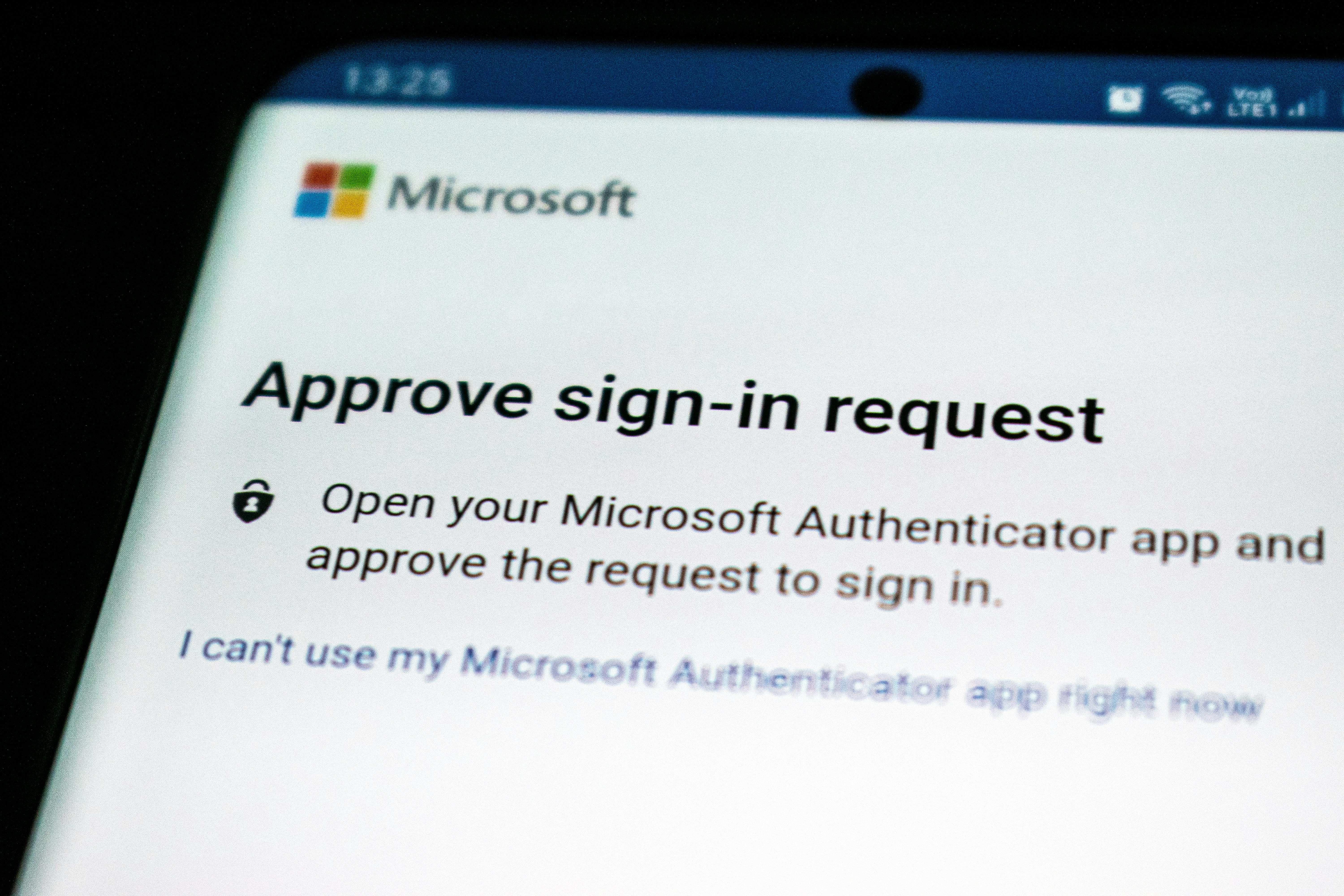
We spent the week reading through a finding that deserves a plain-English write-up, because it cuts right at something too many small teams assume is settled: the idea that multi-factor authentication, or MFA, is a lock that phishing cannot pick. Researchers at CloudSEK took over the control panel of a phishing service called BigBear and watched it do exactly that. In the report they published this month, the service had already bypassed MFA at 258 organizations and stolen more than 5,000 Microsoft 365 credentials, including hundreds of fully authenticated sessions an attacker could step right into.
TL;DR
BigBear is a "phishing as a service" — a rented tool that lets criminals run convincing login pages without knowing how to build one. Instead of just stealing a password, this one sits in the middle of the real sign-in, so when you complete MFA on a page that looks like Microsoft, the attacker walks away with the authenticated session itself. Turning on MFA did not stop it, because MFA was never the weak point. The good news is that the same layered approach we already push still holds: phishing-resistant MFA, a careful team, and a quick review of the sign-in logs.
How a phishing service works
Most people picture phishing as a lone scammer typing fake emails by hand. The reality today is industrialized. Kits like BigBear are sold as a service on messaging apps and forums, complete with login pages that look exactly like the real thing, built-in editing, and support. Anyone can rent one. That is why the email you get can be this convincing without a career criminal behind it.
The specific trick here is called an adversary-in-the-middle attack, and it is worth understanding because it explains why normal MFA did not save anyone. BigBear is built on an open-source tool called Evilginx2 that does more than present a fake login page. It quietly relays your traffic between you and the real Microsoft servers, on both legs of the trip.
Why MFA did not stop it
Picture a stranger standing in line behind you at the register, watching over your shoulder, and passing everything you do back to the cashier. That is the idea. When you typed your password into the BigBear page, the service took it and forwarded it to the real Microsoft sign-in, which accepted it and sent back its approval. When you entered your six-digit MFA code or approved the prompt on your phone, the service relayed that too, and Microsoft said yes.
The critical piece is what happens next. In a normal session, once Microsoft approves you, it hands your browser a session cookie — a small token that keeps you signed in. In this attack, the session cookie does not stay on your machine. The service captures it on the way back and hands it to the people who rented the kit. Now the attacker does not need your password or your code anymore. They just replay your session cookie in their own browser and they are signed in as you. MFA was completed correctly the whole time, and it still did not matter.
For the honesty required: CloudSEK's numbers come in a few flavors as the reports spread. The headline is 258 organizations and more than 5,000 credentials, including hundreds of authenticated sessions. Infosecurity Magazine broke the haul down further, listing over 5,100 credential records across 461 organizations, of which 474 were completed MFA-bypassed logins. However you slice the count, the pattern is the same: MFA-protected accounts at real organizations, taken over through MFA.
What actually stops this kind of attack
The reason the relay trick exists is that it is hard to stop with a password and a code. There is one defense it struggles with, and it is the same one we have been recommending for organizations that can manage it: phishing-resistant MFA, meaning security keys or passkeys. The middleman cannot quietly replay those, because they are tied to the exact site you are signing into. When the real Microsoft sees a security-key approval that was meant for a fake domain, it does not match, and the login fails.
Beyond the key, the layered habits still carry the day. Treat a login page you reached from an email with suspicion no matter how real it looks, and when in doubt, type the address yourself and sign in from the browser bar. Remember that a real login never needs your session to be handed through a third page. And slow down when a message pushes urgency — "your account will be locked," "you missed a file" — because urgency is what gets busy people to click first and look second.
On the technical side, a small team can do more than fall back on training. Check the sign-in logs in Microsoft 365 for logins at odd hours or from unexpected places, and set alerts for foreign sign-ins. Consider whether you can raise the bar so that sensitive accounts require a security key rather than a texted code. And if someone does get caught, act fast: reset the affected passwords, revoke the sessions, and force a fresh sign-in, because in an attack like this a stolen session cookie is only good for as long as it is allowed to keep working.
The takeaway
This campaign is a useful correction to a comfortable assumption. MFA is still one of the best things you can switch on — it stops the vast majority of everyday account theft. But it is not a silver bullet, and the attacks that matter most now are aimed at the seams around it. The strongest position for a small team is layered: phishing-resistant MFA where you can, keen-eyed staff who do not trust urgent login pages, and a routine look at who is signing in as who.
If you want help setting up security keys in Microsoft 365, reviewing your sign-in logs, or just talking through whether your current MFA setup would shrug off a relay attack like this one, that is a normal part of our free 30-minute IT review. We work with small teams and ministries around Washington County, and we will tell you plainly what is worth doing.